Hi AudreyW & user01,
I was able to get it fixed. There was another thread where someone solved essentially the same thing, saving files from Microsoft and other applications to shared folders.
https://kb.parallels.com/en/128833
Directions:
Follow the directions in that thread
2. Change Sharing privaleges in Parallels configuration screen to full disk access
3. In my case I was not seeing files that I saved to the Windows side desktop and had hidden items visible. I turned of viewing hidden items, and it started working for me.
I hope this helps you two with your file saving problems. Thanks for posting about the problem. Please see the text of the other thread below.
When running Microsoft Office in Windows ARM on a Mac computer with Apple M1 Chip, you may encounter difficulties saving files. It can either be an error, or a destination folder resetting to "Network Shortcuts".
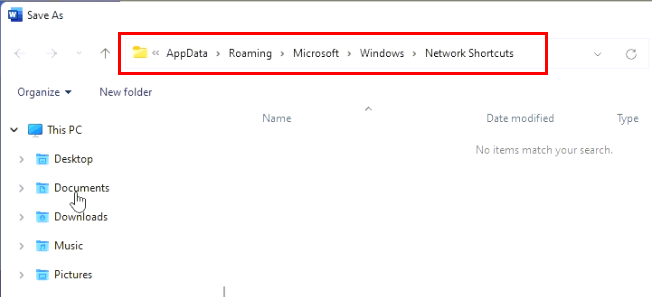
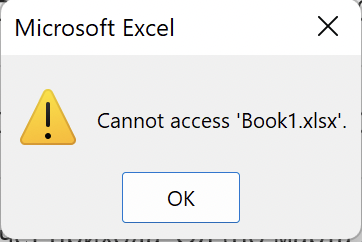
Similar behavior may also occur in some other applications.
Solution
To fix this situation, please perform the following steps:
1. In Windows, download
this archive.
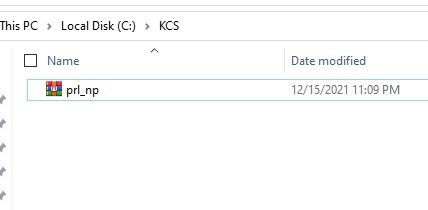
2. Unpack prl_np.dll inside it.
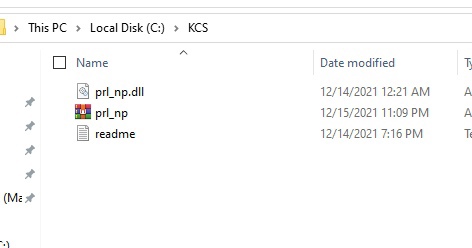
3. Go to C:\windows\system32\ and locate a prl_np.dll file already located in this folder.
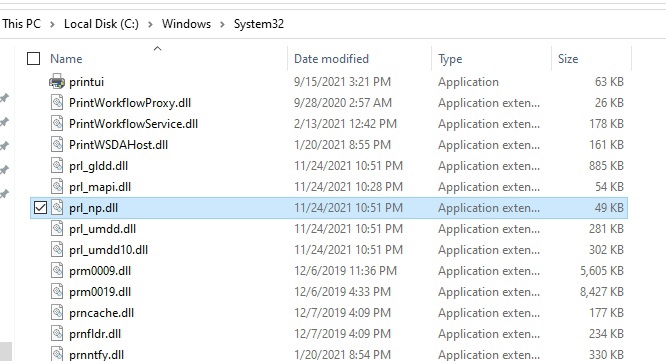
4. Rename prl_np.dll to something else (e.g., "prl_np.d").
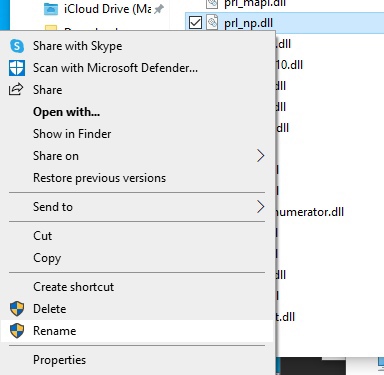
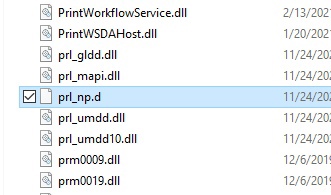
5. Then move the prl_np.dll file downloaded earlier into C:\windows\system32\
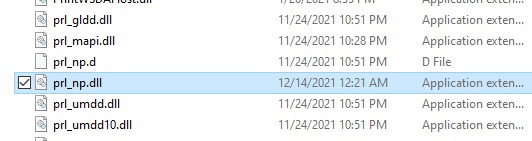
6. Restart the respective Microsoft Office application.
Note. Reinstalling Parallels Tools will revert this workaround, and the behavior will reoccur. A permanent fix will be included in an upcoming Parallels Desktop update.