I have some updates, and still need some advice.
First, by using directions from here:
https://www.digitalocean.com/community/tutorials/how-to-convert-virtual-machine-image-formats
...I was able to install QEMU on my Mac, and then use the following command line in Terminal...
qemu-img convert -f qcow2 DAC6E0DB-DB1C-4B7A-AB54-AE666AD44429.qcow2 -O vdi Win-11-Pro-ARM-64.vdi
...to convert from my existing UTM "drive" image (.qcow2 file - UTM image format) to a ".vdi" drive image file (default image format of VirtualBox). This was after right-clicking on the .utm file, selecting "View Contents", and locating the .qcow2 file inside, copying it, and pasting it outside the .utm file.
Once I had converted from .qcow2 to .vdi, the Parallels Desktop software was able to open that for conversion, with the File > Open command.
However, in trying to bring up the newly converted VM, I get stuck at a boot screen saying there is no OS installed in the VM.
What should I do? Link the .iso file to the new VM and run setup? If so, will it not overwrite my existing Windows installation?
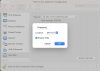
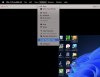
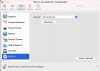
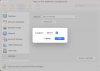
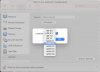
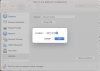
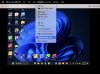
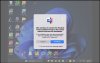
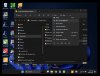
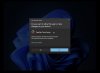
The attached screen shots show (as numbered):
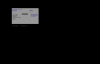
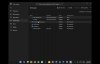
01. Command line conversion in Terminal.
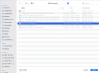
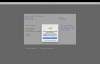
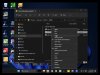
02. The Parallels Desktop software was able to open the resulting .vdi file for conversion (even though it was grayed out, it could be selected and opened):
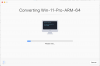
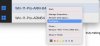
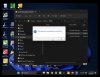
03. The conversion process looked fine, and seemed to complete:
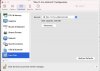
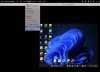
04. But then I got a cryptic boot screen and a warning that there was no OS installed.
05. Choosing "reset" (on above screen shot) starts a "converting" loop.
06. Same screen as before, but smaller.
07. No OS, same as before.