James Rome
Hunter
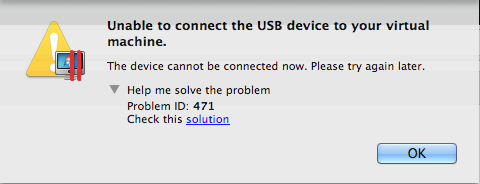
I called, and there is a fix
Turn off the VM. edit configuration/hardware/boot order, and add this under flags:
devices.usb.ehc=0
I mean the Windows 8 and Windows 8.1 VM's have the constant Windows "chime" sound of USB devices connecting and disconnecting. This also makes the VM's response time about 90% slower than normal.
I see the USB device icon in the notification area appearing and disappearing constantly with no USB devices attached to the VM at all. I do not see this in my Windows 7 x86 VM...
Turn off the VM. edit configuration/hardware/boot order, and add this under flags:
devices.usb.ehc=0