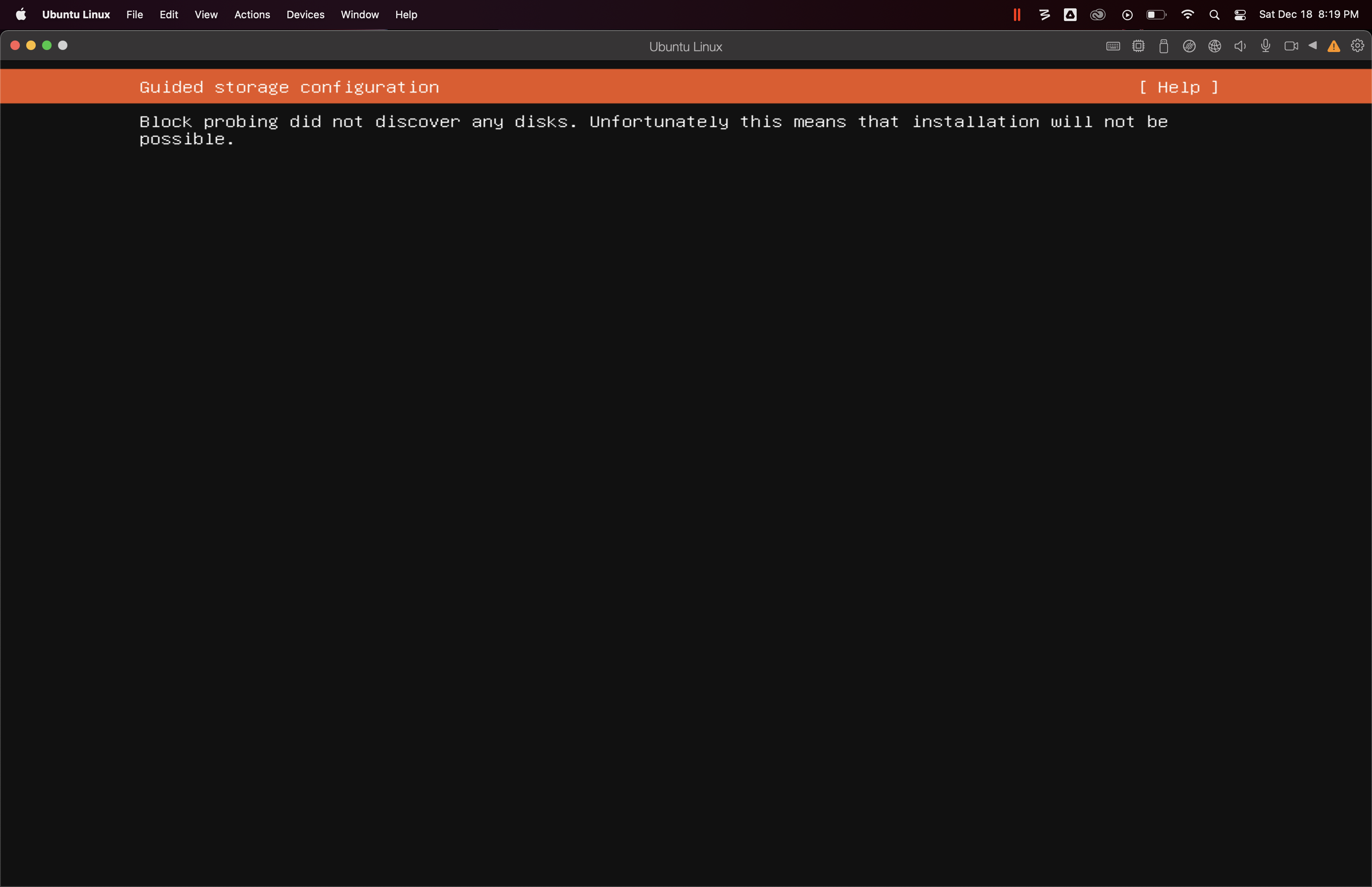
Following "Choose Manual" installation instructions from a DVD or image file, Customize settings before installation. Set the CD/DVD to Source "bionic-server-arm64.iso" located in the MAC Downloads folder. Operation Failed. You must enter the host OS administrator's credentials. which is me. Did an Actions Reset which brought me to the grey Parallels ARM Virtual Machine Apple Silicon 16.5.0 Screen. Reset. Continued to Blue GNU GRUB "Install Ubuntu Server" which proceeded through Language and Country settings. Purple Screen: Error Message. Your Installation CD-ROM couldn't be mounted . Same outcome. Dead in the water. Also tried ubuntu-18.04.5-server-arm64.oso. Same file doutcome. Is there an issue with those Ubuntu 18.04 image https://cdimage.ubuntu.com/releases/18.04/release/ ?
I did succesfullly install Windows 10 ARM64 and Ubuntu 20.04 LTS Desktop VM on this same MAC Silicon machine.
I did succesfullly install Windows 10 ARM64 and Ubuntu 20.04 LTS Desktop VM on this same MAC Silicon machine.